Checking Tenant’s resources and current utilisation
After logging into the Tenant Panel, you can check the amount of available and used resources in the Data Centers -> Virtual Data Centre section in the CPU, Memory and Storage fields.
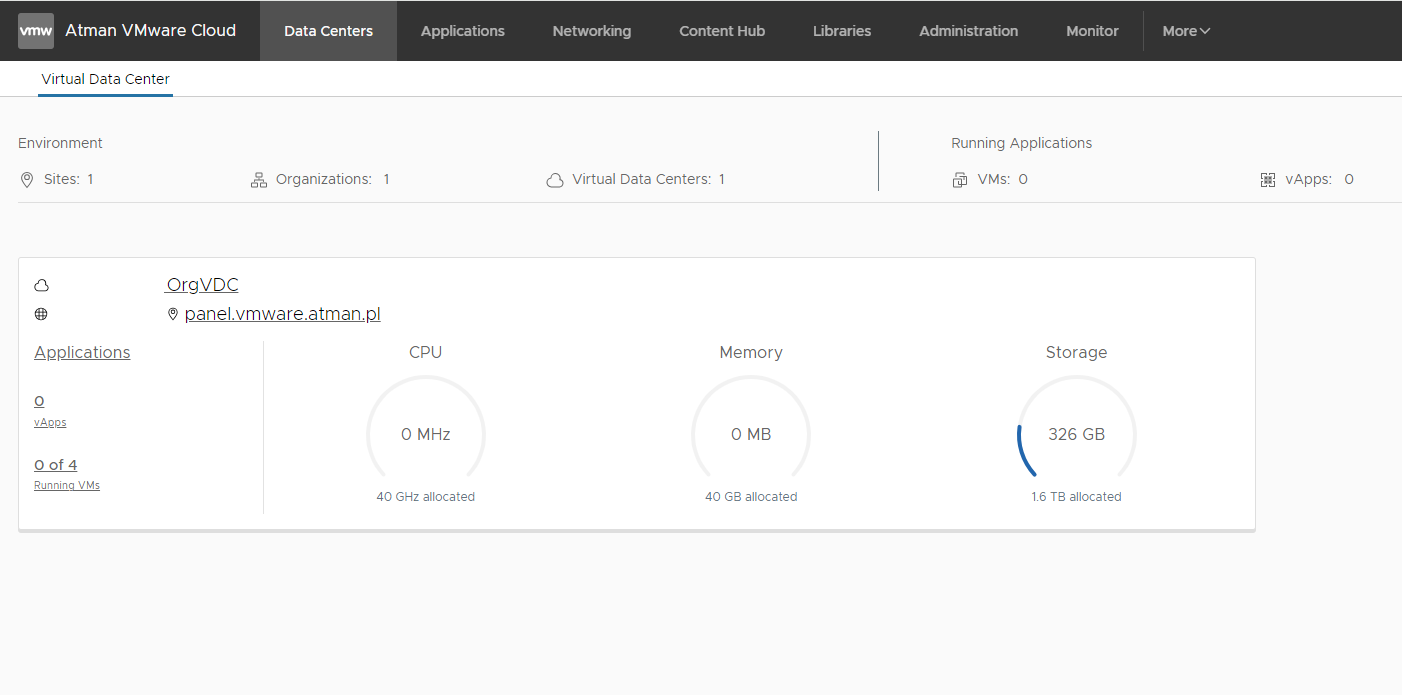
The screen above also shows the number of Virtual Data Centres in use and the virtual machines/applications running.