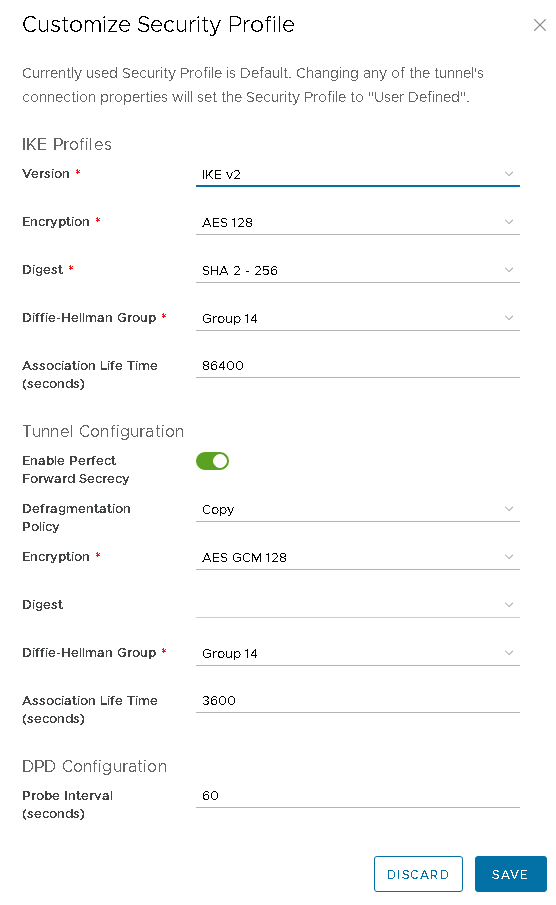
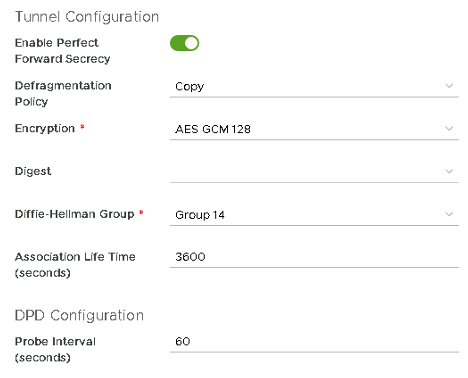
Creation of an IPSec VPN
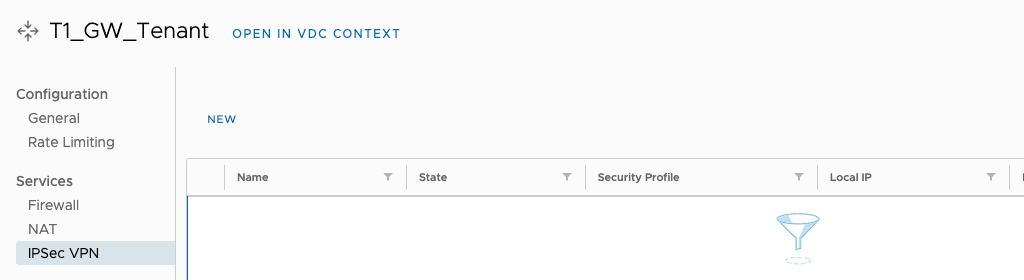
Go to the Networking -> Edge Gateways tab and select an available T1 router. Select the IPSec VPN option and the NEW button.
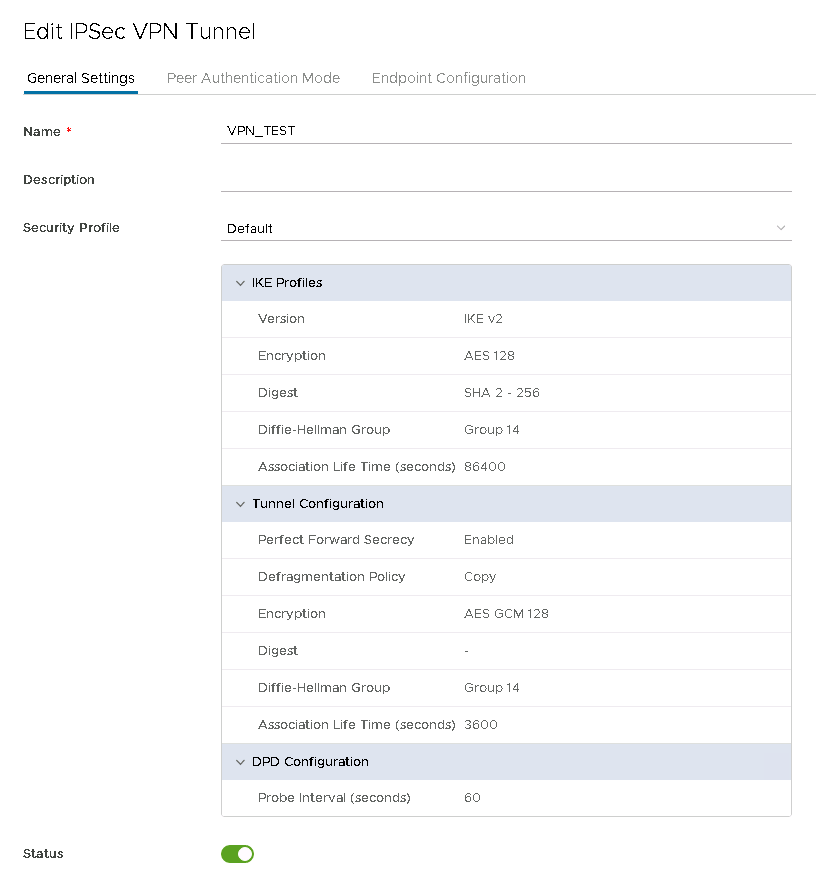
Enter name and select default Security profile for IPSec.
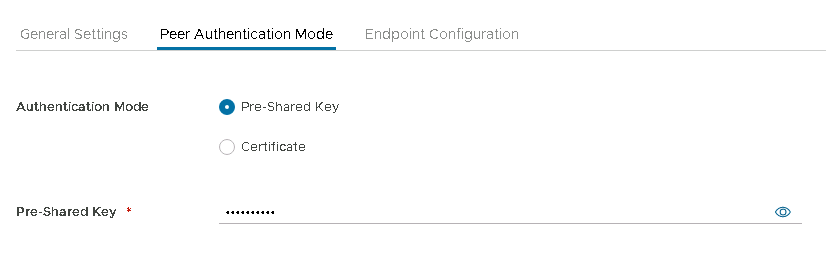
Under the Peer Authentication Mode tab, select Pre-Shared Key and enter key, or use certificate.
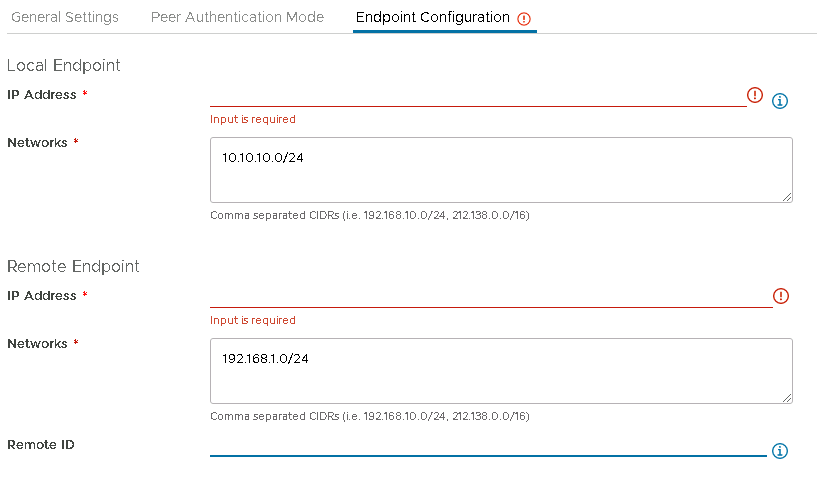
In the Endpoint Configuration tab, enter the local public address, the remote address for the VPN tunnel and the networks participating in the IP Sec tunnel - local and remote.
IP Sec has been created. Check the status with the VIEW Statistics option.
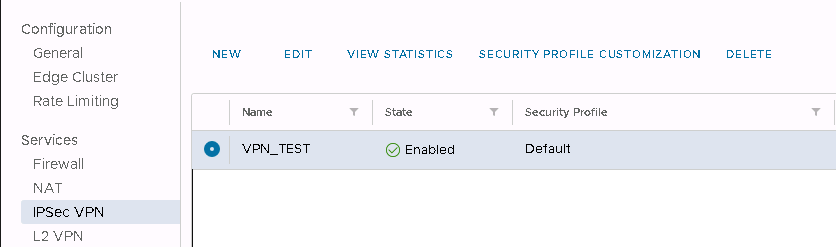
To change the Security profile settings, select the IPSec VPN created and select SECURITY PROFILE CUSTOMISATION.