NAT rule creation
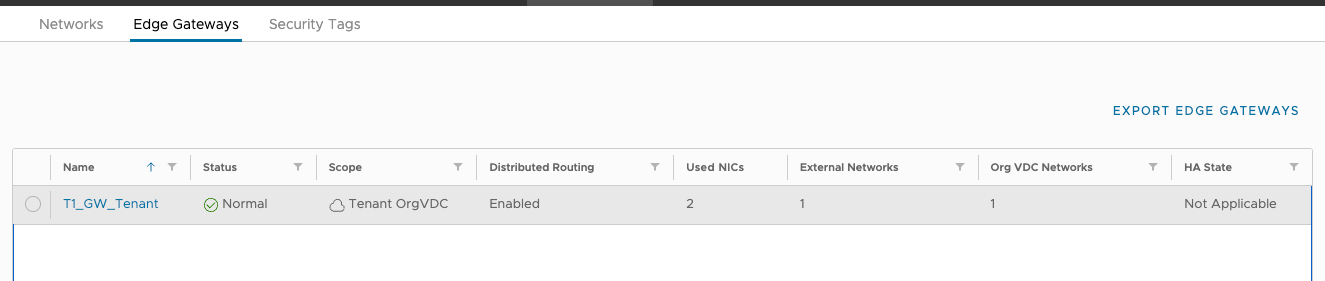
Go to the Networking -> Edge Gateways tab and select the router T1 available to the Tenant.
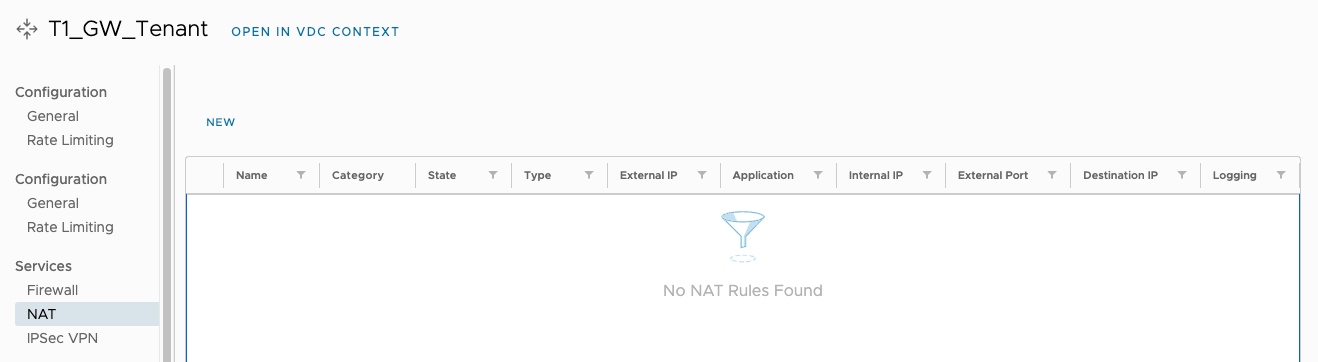
Go to the NAT tab and select NEW.
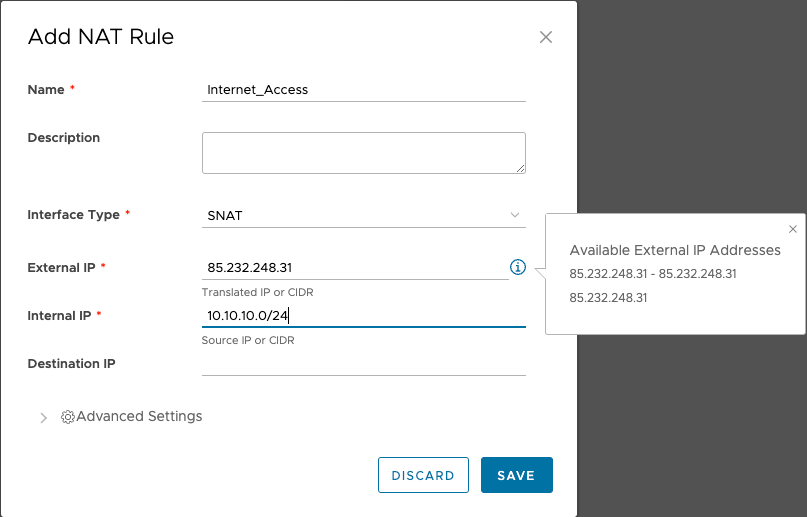
Enter name and type of NAT rule.
Use the information button to check what public IP addresses are available to Tenant.
Enter the External and Internal IP and use the SAVE button to create a SNAT rule.