Routed networking
In the Tenanta panel, select the Networking tab, then Networks.
Use the NEW button to start the process of creating a virtual network.
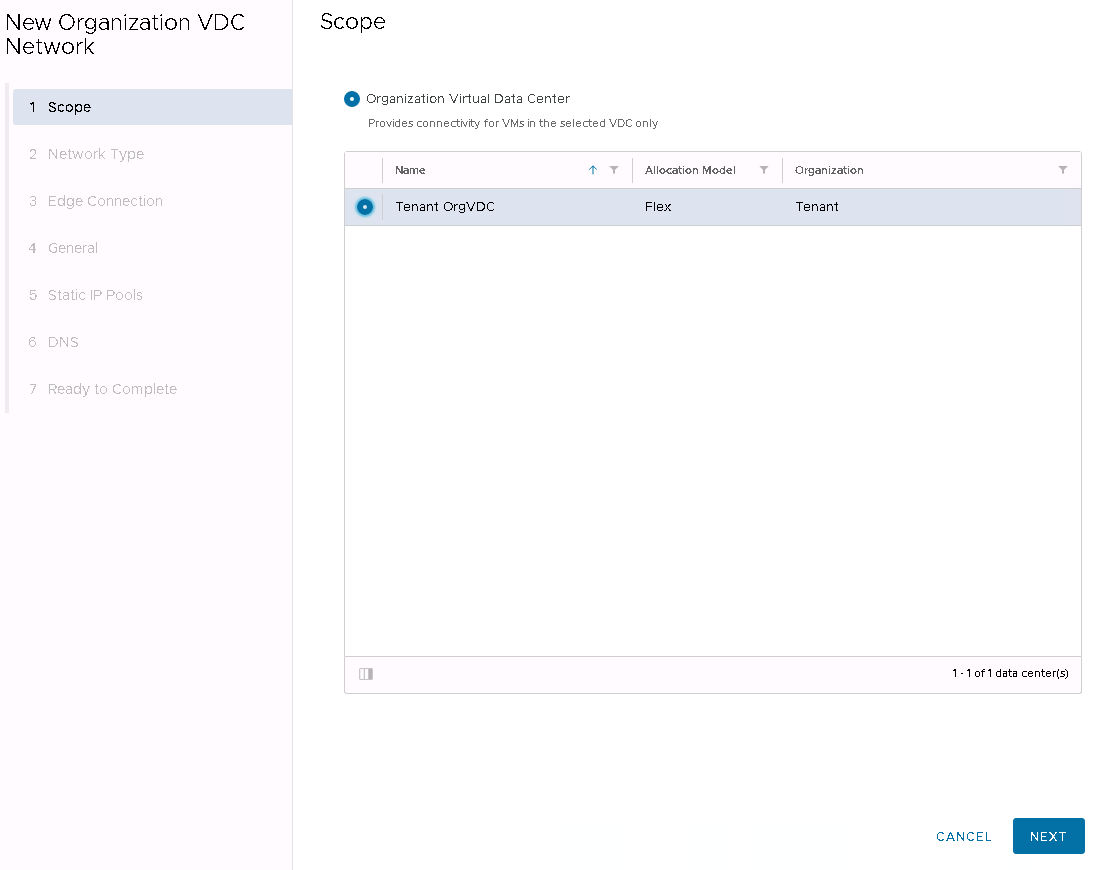
Select in which Virtual Data Centre of the Organisation the network is to be established
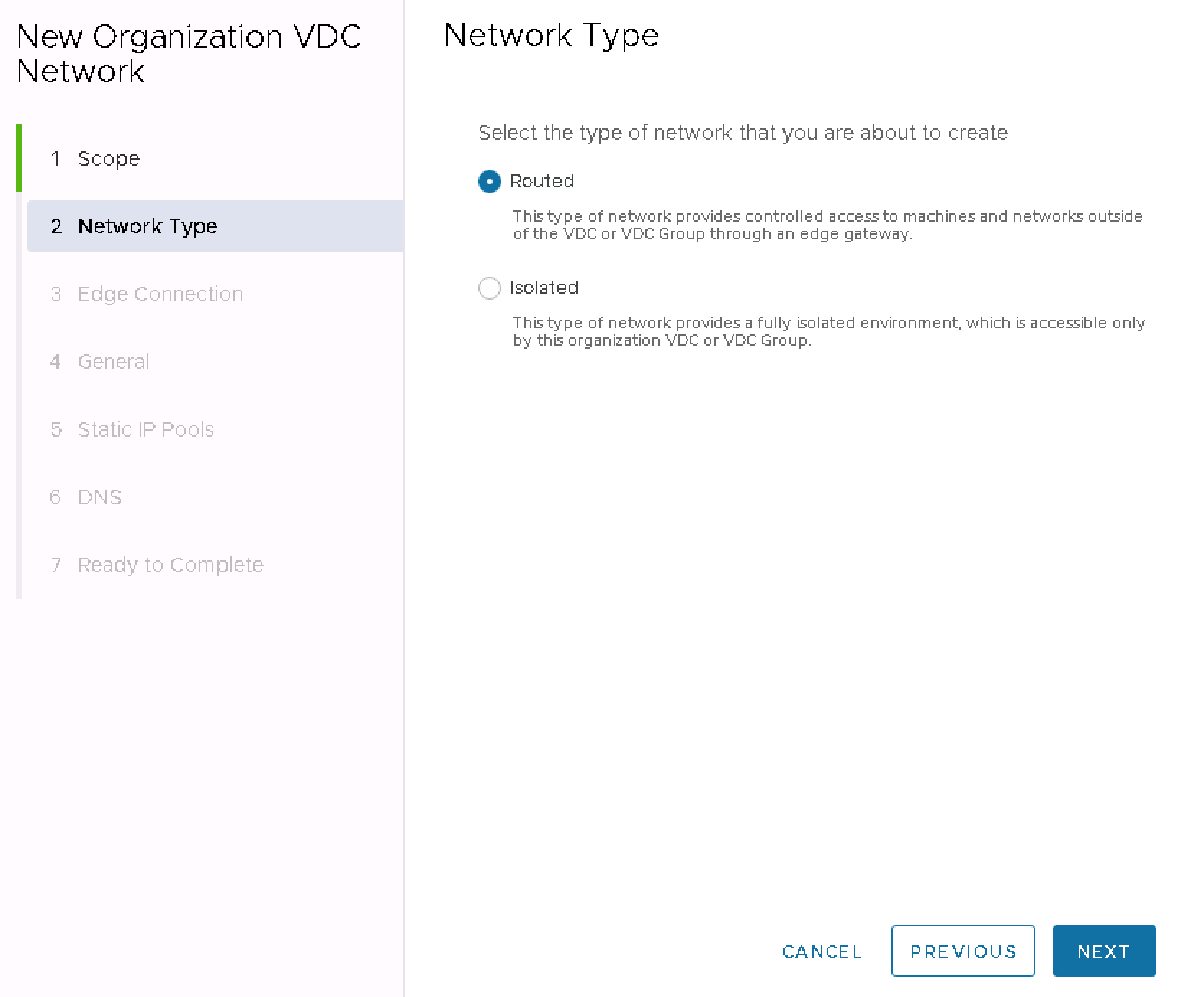
Select the network type as Routed network - a routable network connected to a Tenant-dedicated T1 router that provides network services.
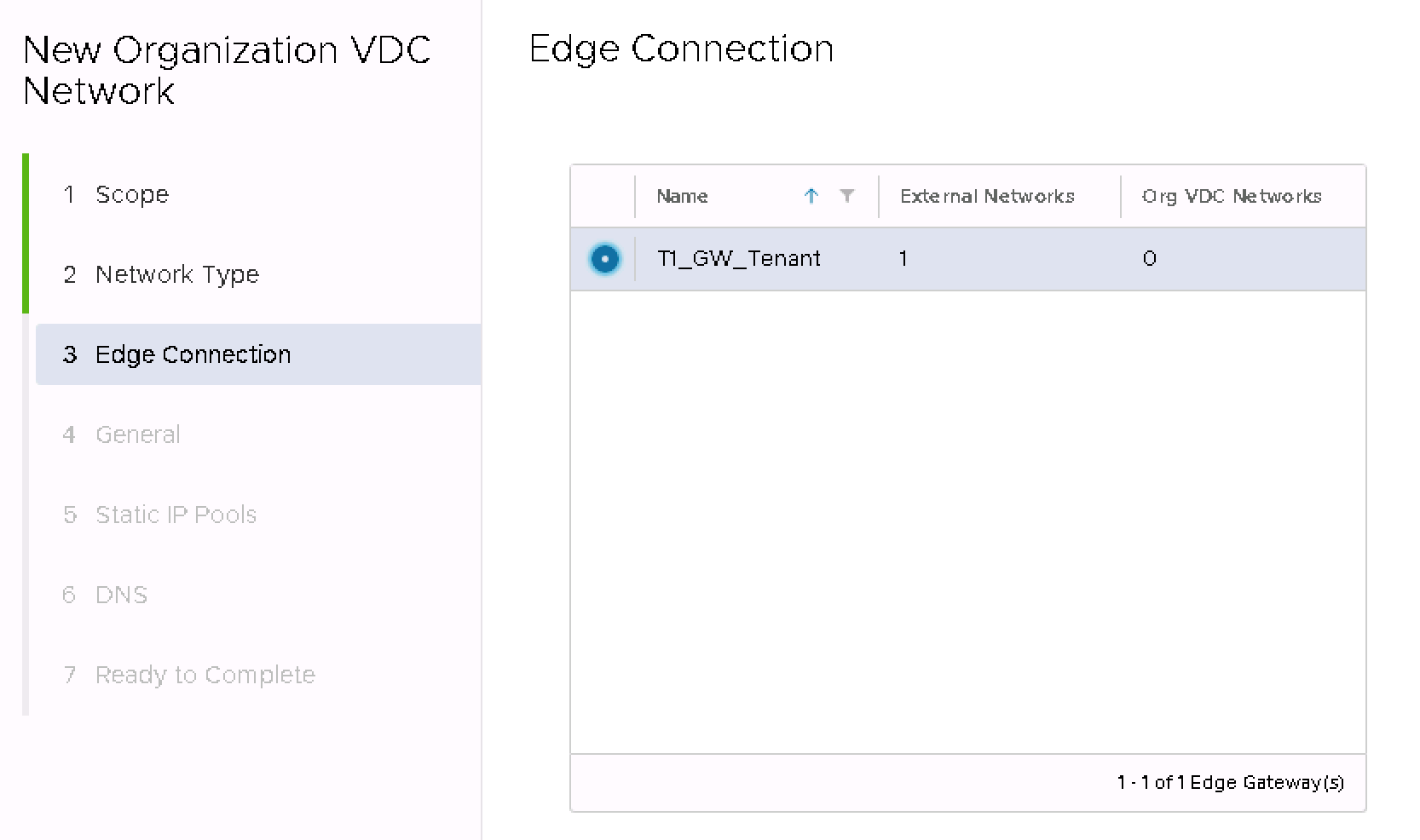
Select dedicated router T1.
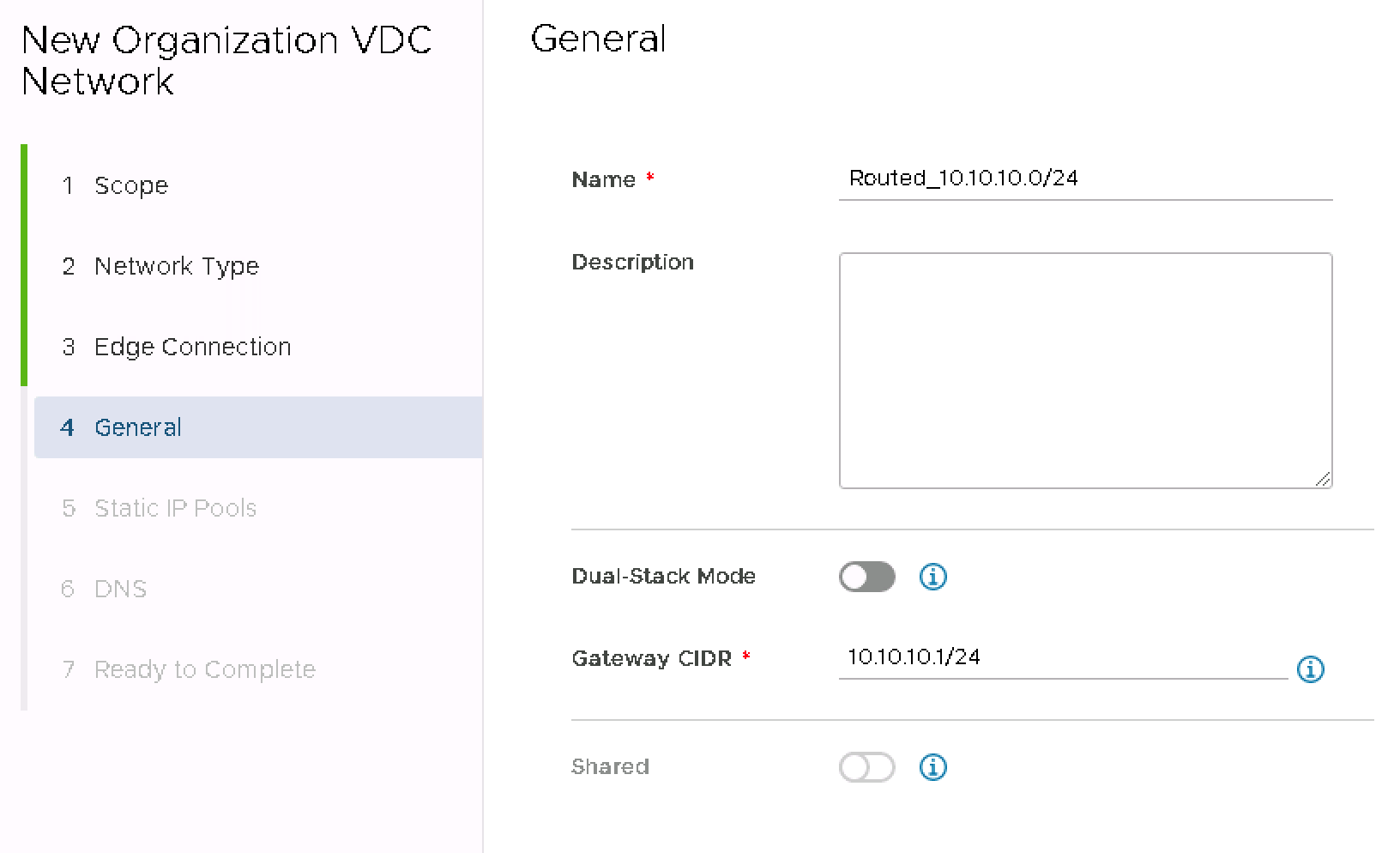
Enter network name, description and CIDR in the format XX.XX.XX.1/XX, e.g. 10.10.10.1/24.
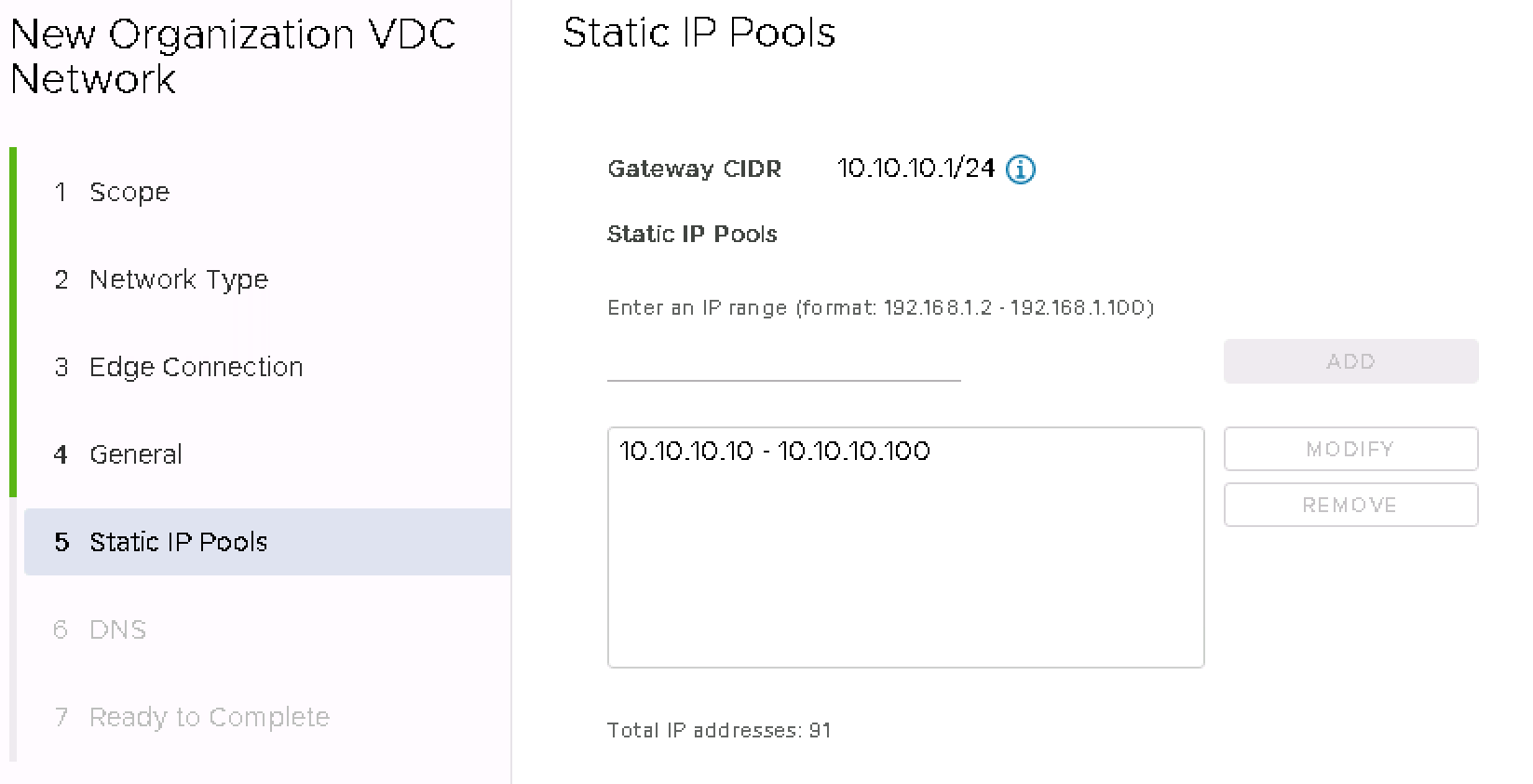
Specify the address range, the IPs to be used statically when the virtual machines are plugged into this network and add with the ADD button.
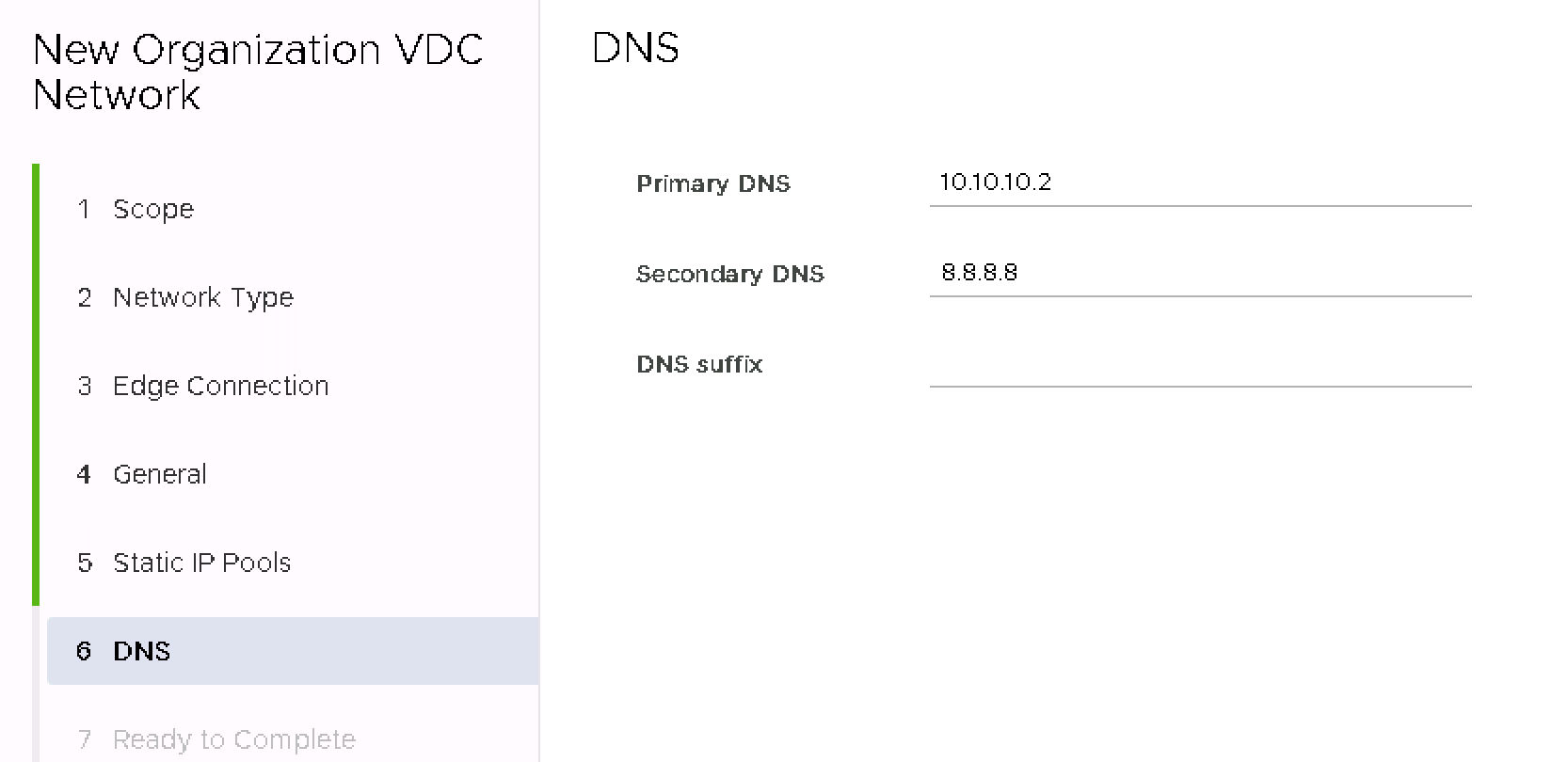
Specify the default DNS and Suffix for the network to be created.
Check the settings and approve the creation of the network.
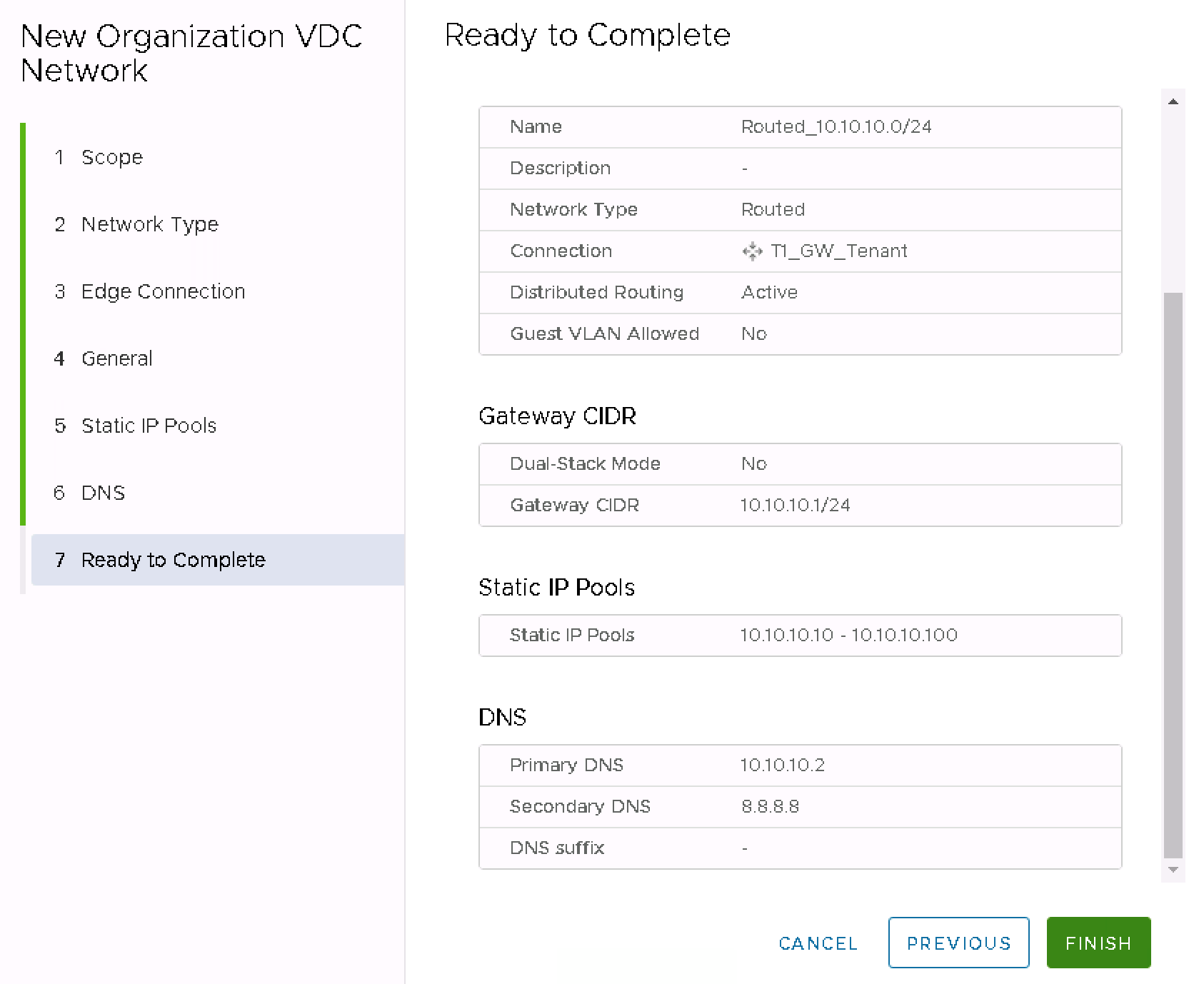
The network is created and plugged into router T1
