Starting the DHCP service
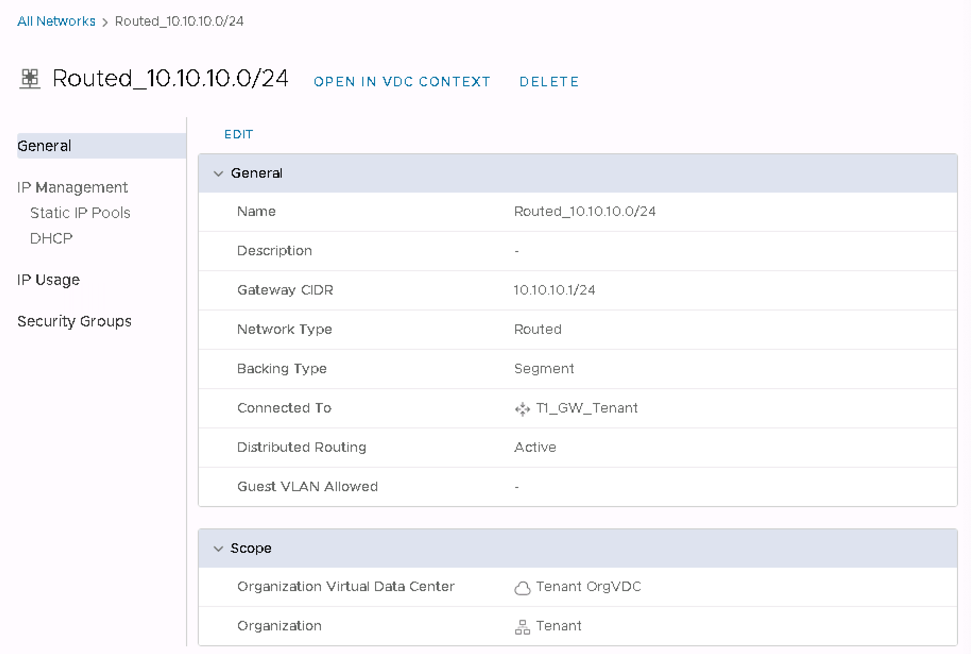
From the Networking -> Networks panel, select the network where the DHCP service is to be started (for example, the previously created Routed network) and go to the DHCP tab.
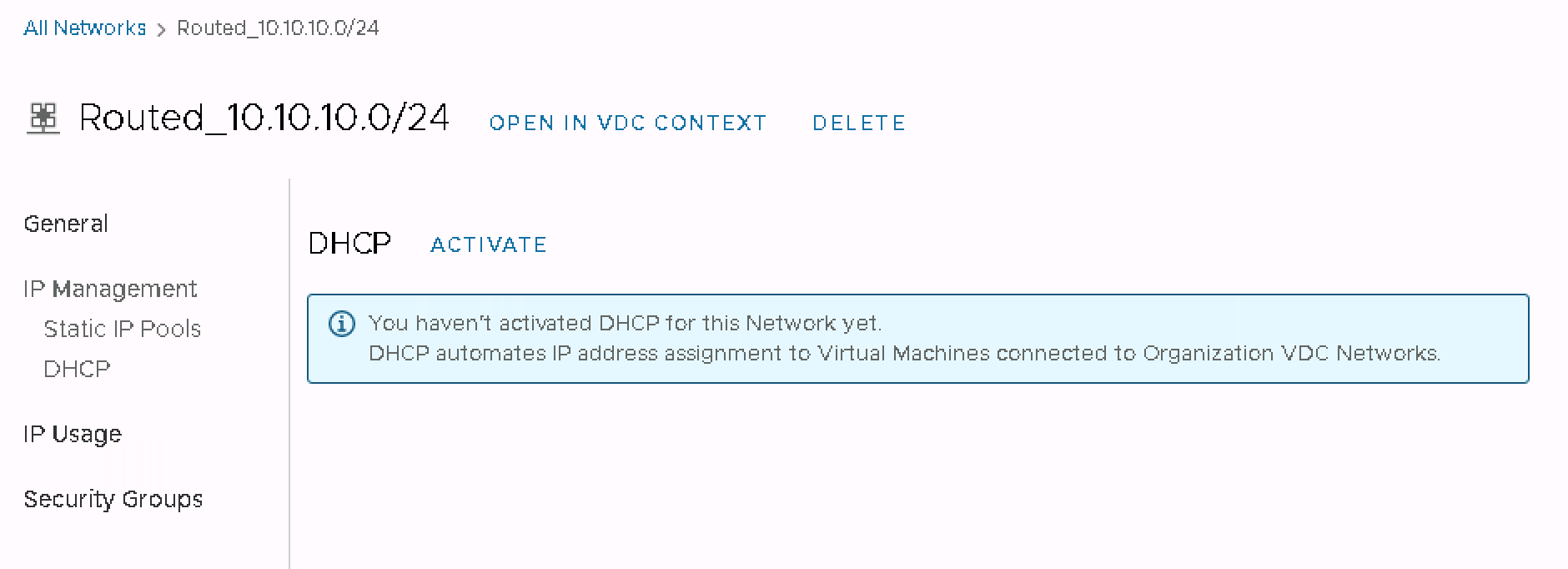
Go to the DHCP tab and select ACTIVATE
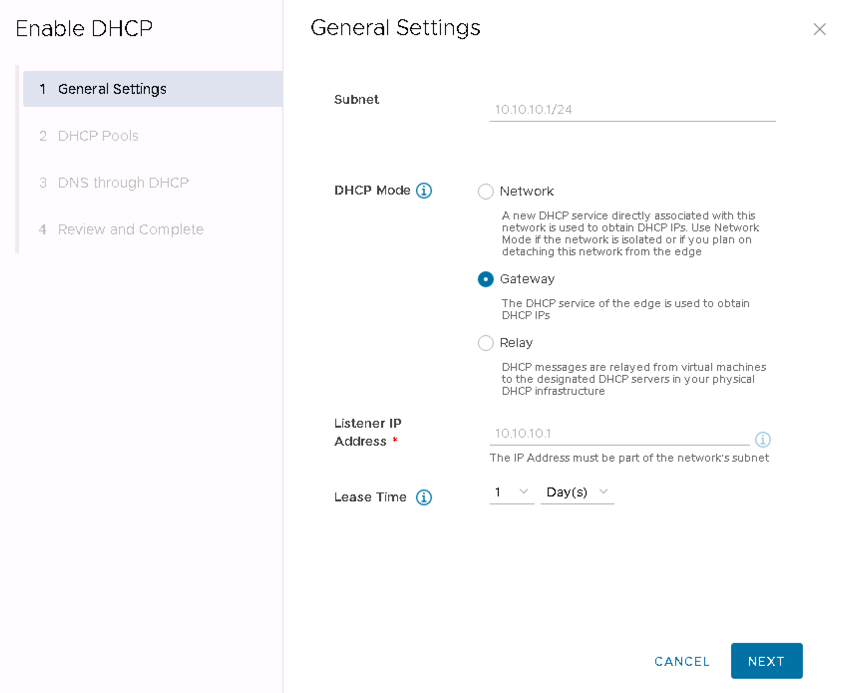
Select DHCP Mode as Gateway - the DHCP service will be started on the Gateway interface of router T1 in the Routed network.
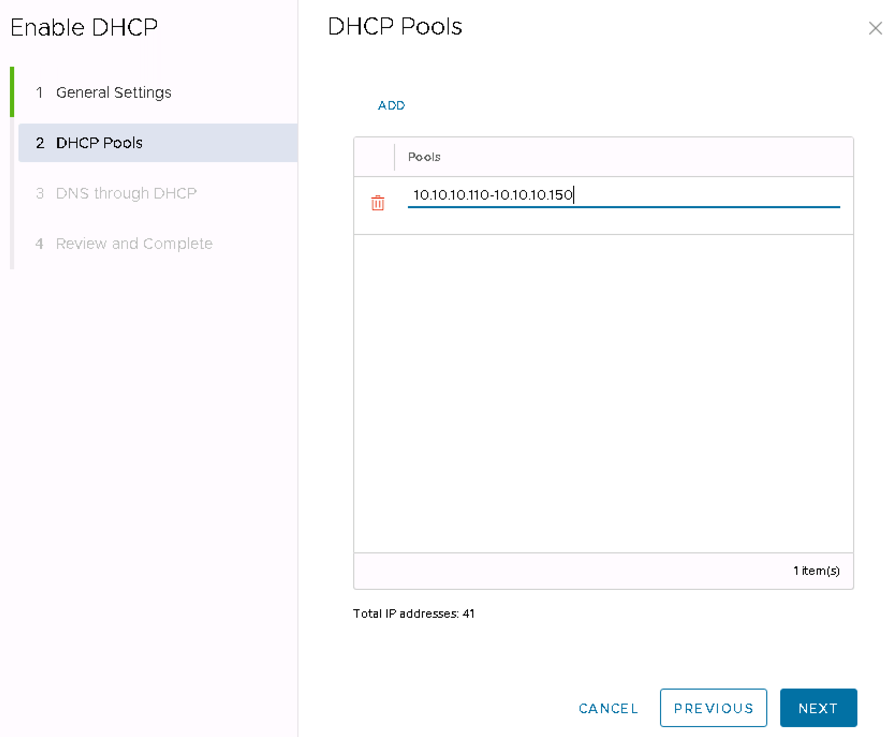
Enter the address pool for the DHCP server on the Routed network.
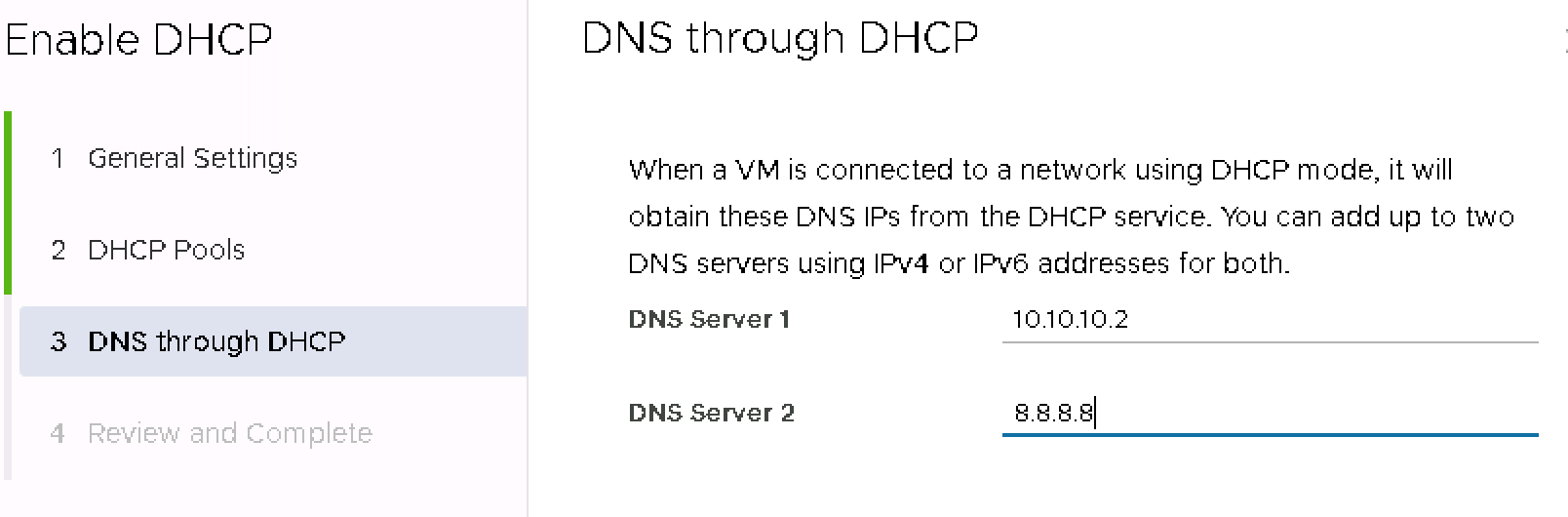
Set up the DNS servers to be propagated by the DHCP service.
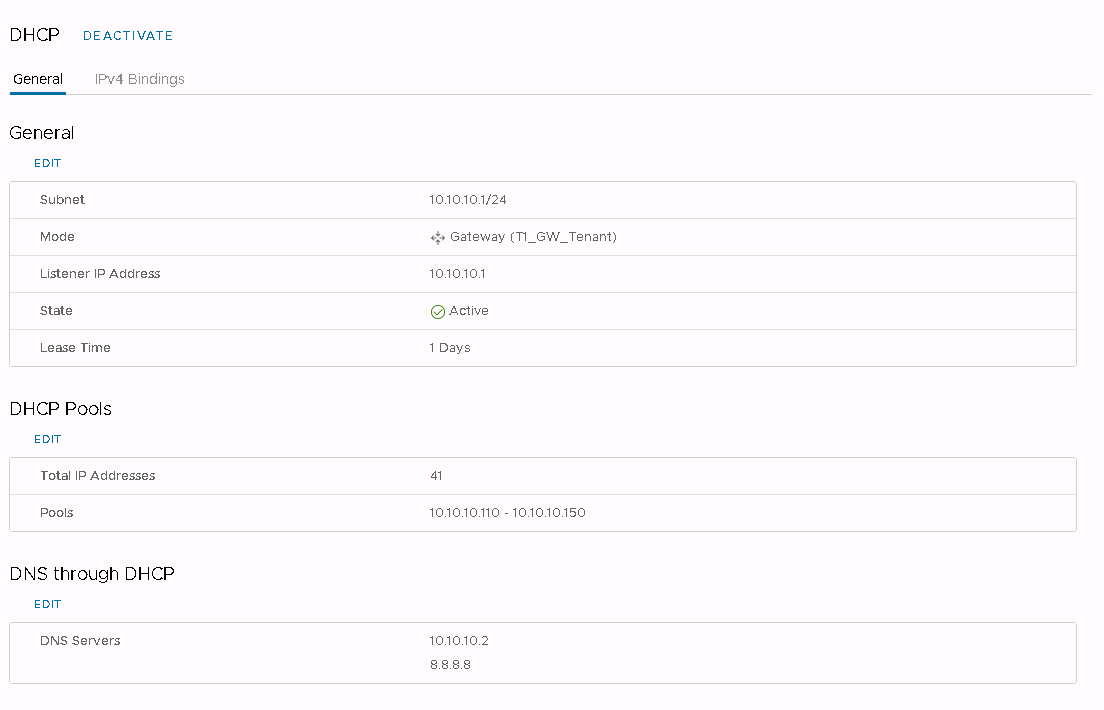
Check the settings and confirm.
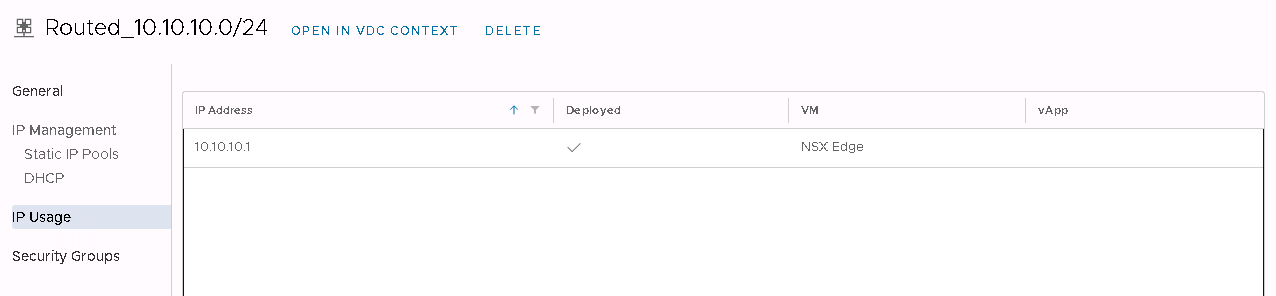
Under the IP Usage tab, check the use of IP addresses.