Configuration of the MS SQL Server backup agent (all databases)
Requirements: Installed client with MS SQL Server agent
After installing the MS SQL Server agent package, we need to configure the client to protect the MS SQL database. We click on the Windows File System object on the client we want to configure
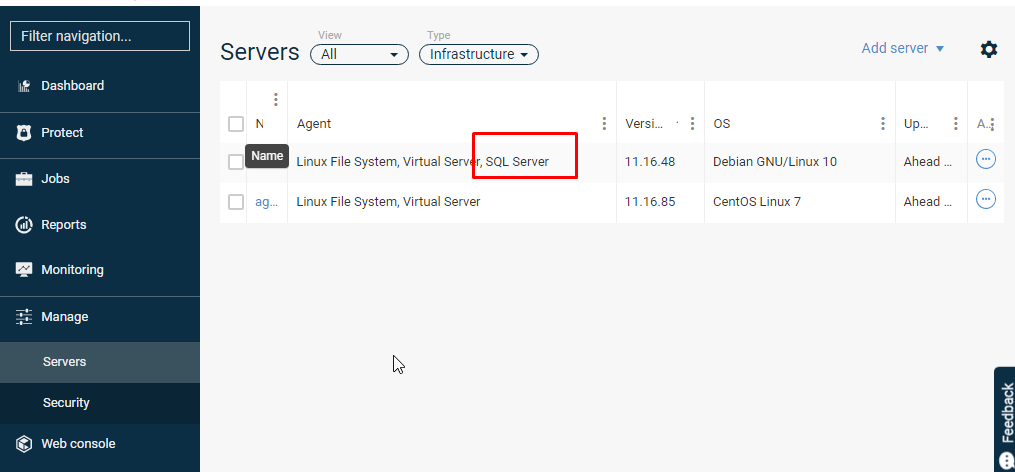
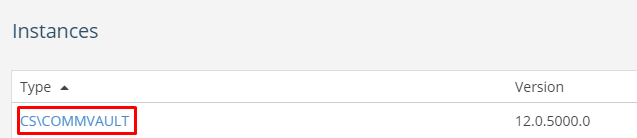
Then click on the appropriate database instance
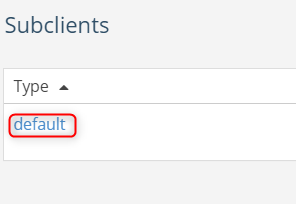
and default subclient
In the Plan section we indicate Edit
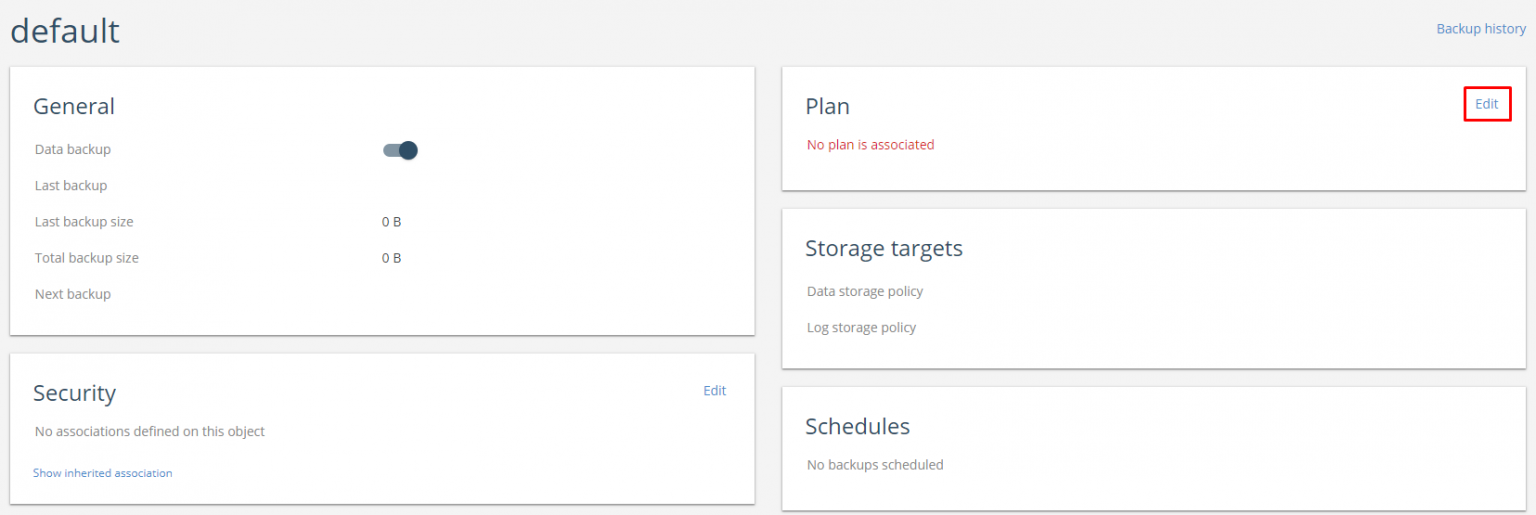
From the drop-down list, we indicate the Plan with which we want to protect our data. Confirm the selection with the Save button
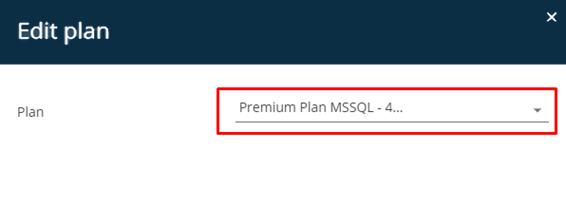

NOTE - if an additional subclient is created in our instance and we configure it to protect a specific database - this database will automatically be excluded from protection by the default subclient.
MS SQL Server backup client configuration (individual databases in an instance)
Requirements: Installed client with MS SQL Server agent
After installing the MS SQL Server agent package, we need to configure the client to protect the MS SQL database. We click on the Windows File System object on the client we want to configure
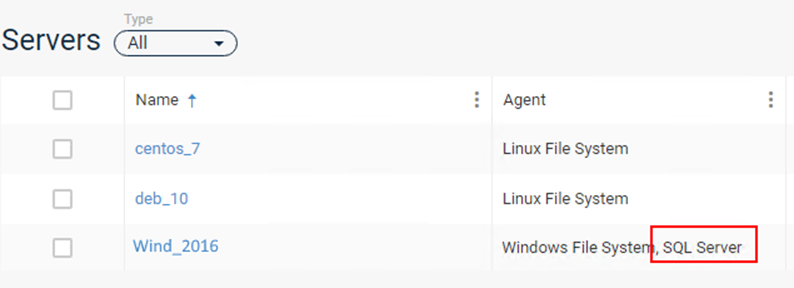
We then click on the relevant database instance:
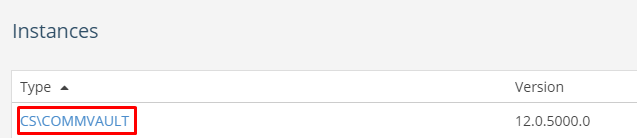
Select Add subclient

Enter a name for the new sub-client, indicate the plan and the databases to be protected by the specific plan. Click Add to save the whole system
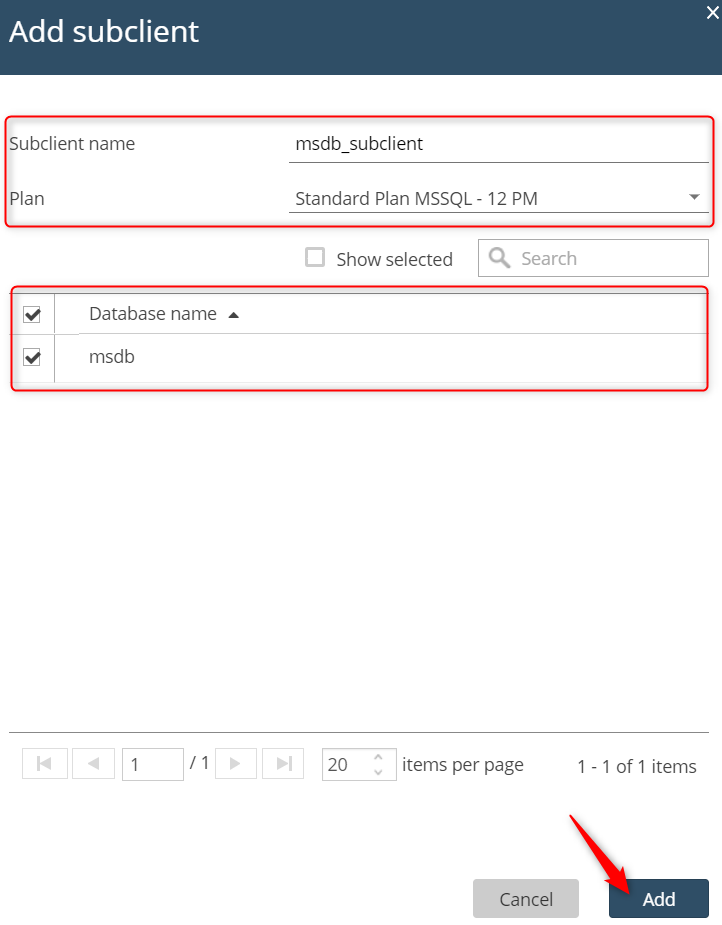
The new subclient has been configured.
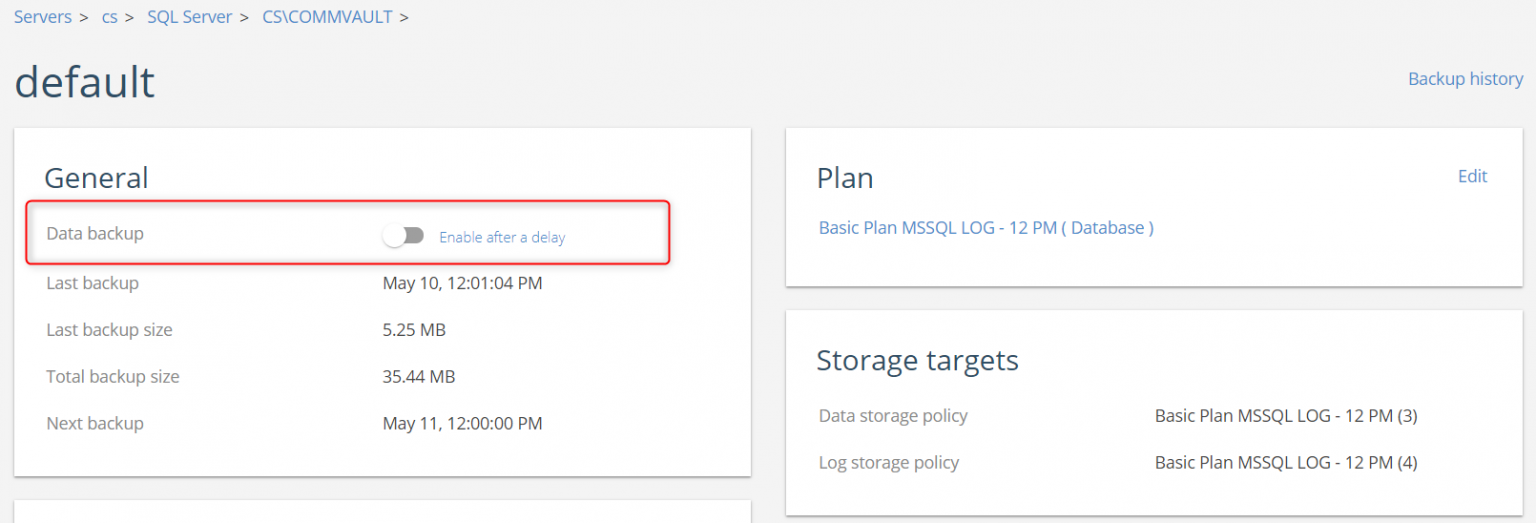
NOTE: if there is no need to perform data protection tasks for the other bases, it is advisable to disable data protection for the default subclient according to:
Configuration of the MS SQL Server backup client (optional configuration)
Requirements: Installed client with MS SQL Server agent
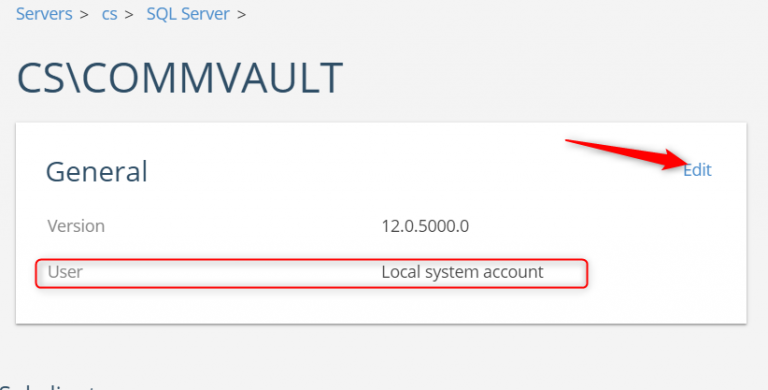
By default, the local system account is used for data protection. The user can be changed using the following option on the MS SQL Server database instance
Select Impersonate user and enter local or domain user details (see Commvault documentation for account requirements: http://documentation.commvault.com/commvault/v11_sp13/article?p=18202.htm)
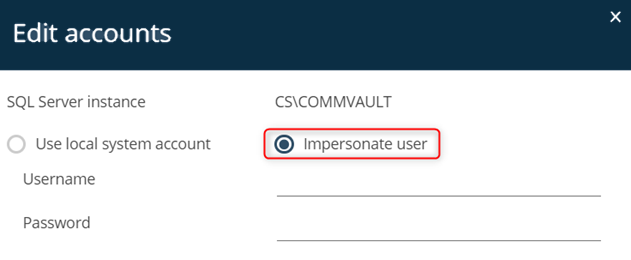
After entering the user, confirm with Save