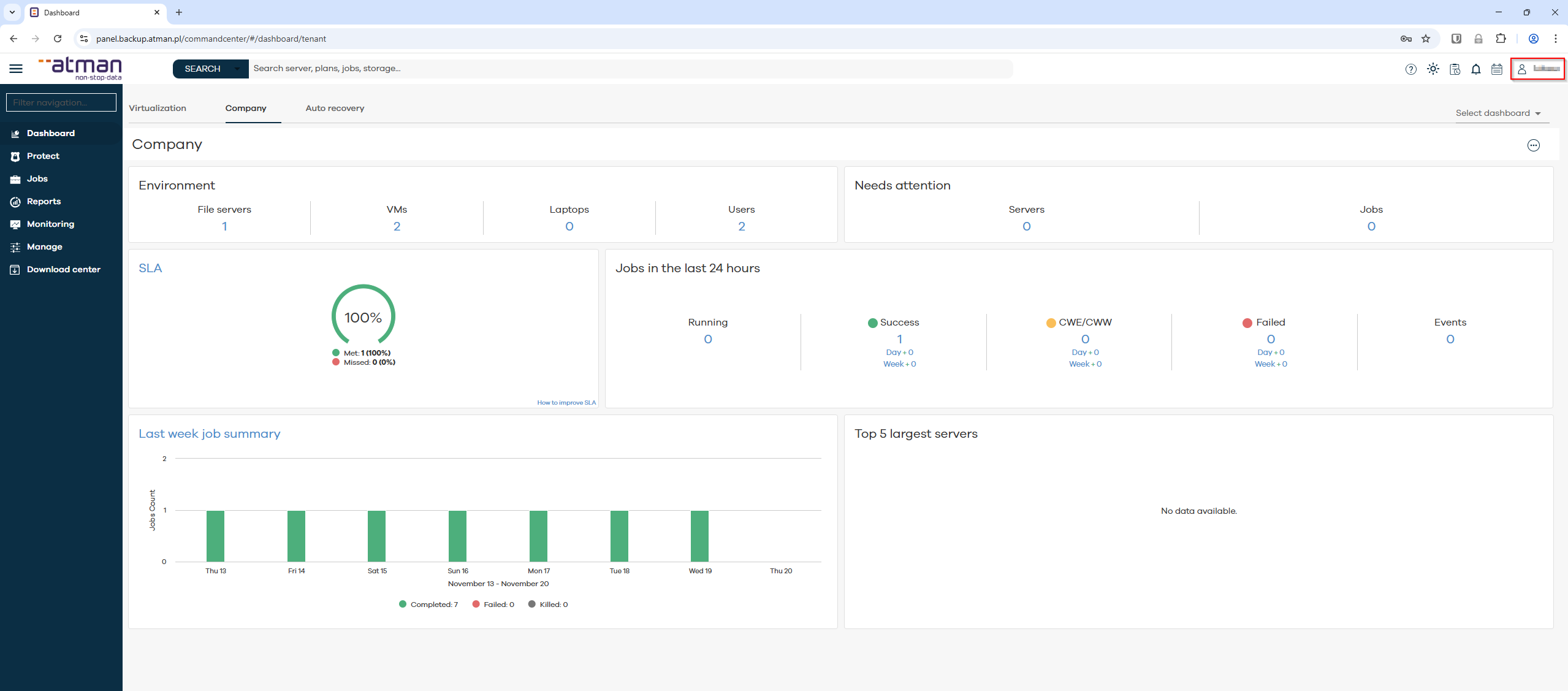
Overview of the main functions of the Command Center administration panel
After logging in and navigating to the main page of the Command Centre, the following areas are available to the user:
Application:
Dashboard - Displays metrics and information on the current state of the environment.
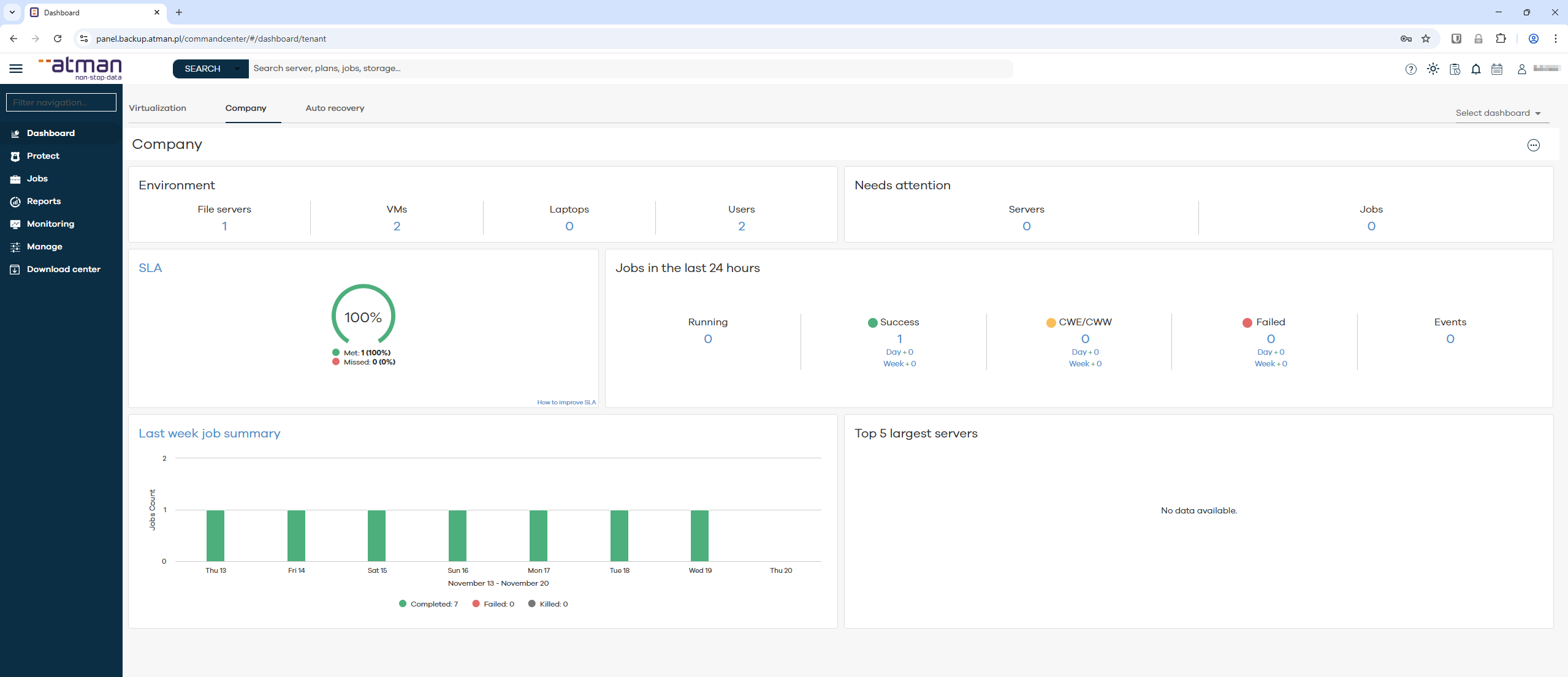
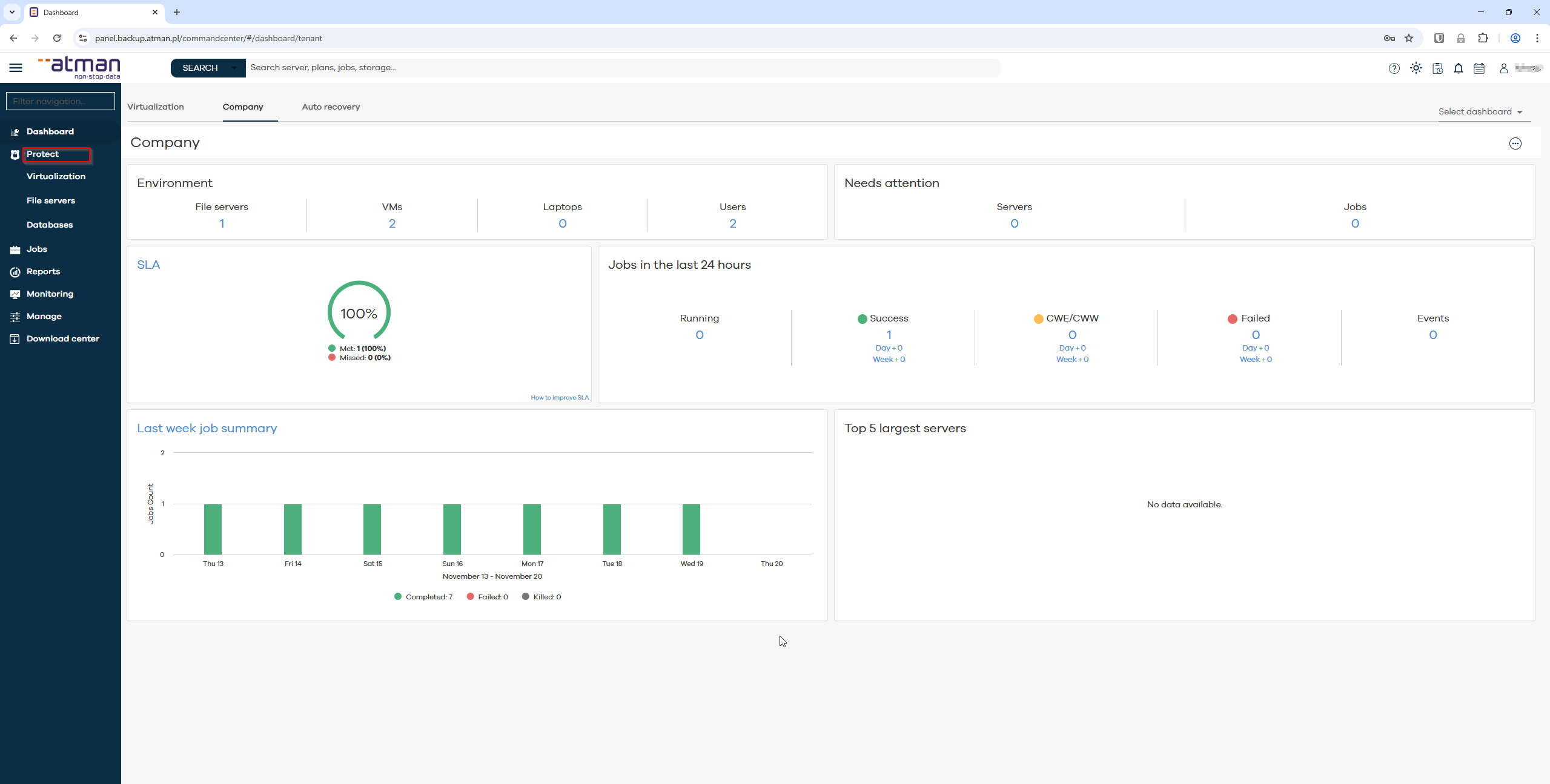
Protect - Backup management for agents.
Jobs - Overview of jobs (active and historical).
Reports - Commvault-defined reports.
Monitoring:
Alerts - List of alerts and configuration of custom notifications.
Events - Errors and additional event information during backup.
Manage:
Servers - Management and configuration of registered servers.
Security - User management
Download centre: Installer download panel.
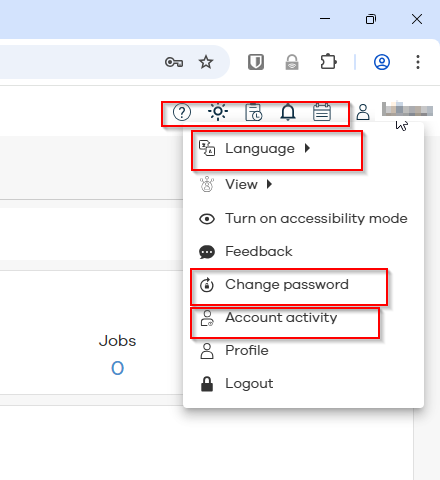
User management
change of password
activity overview
changing the language of the panel
event and task viewer shortcuts
dark/light theme setting