Removing a virtual machine from a backup
After logging into https://panel.backup.atman.pl, go to the Protect -> Virtualisation tab and navigate to VM groups.
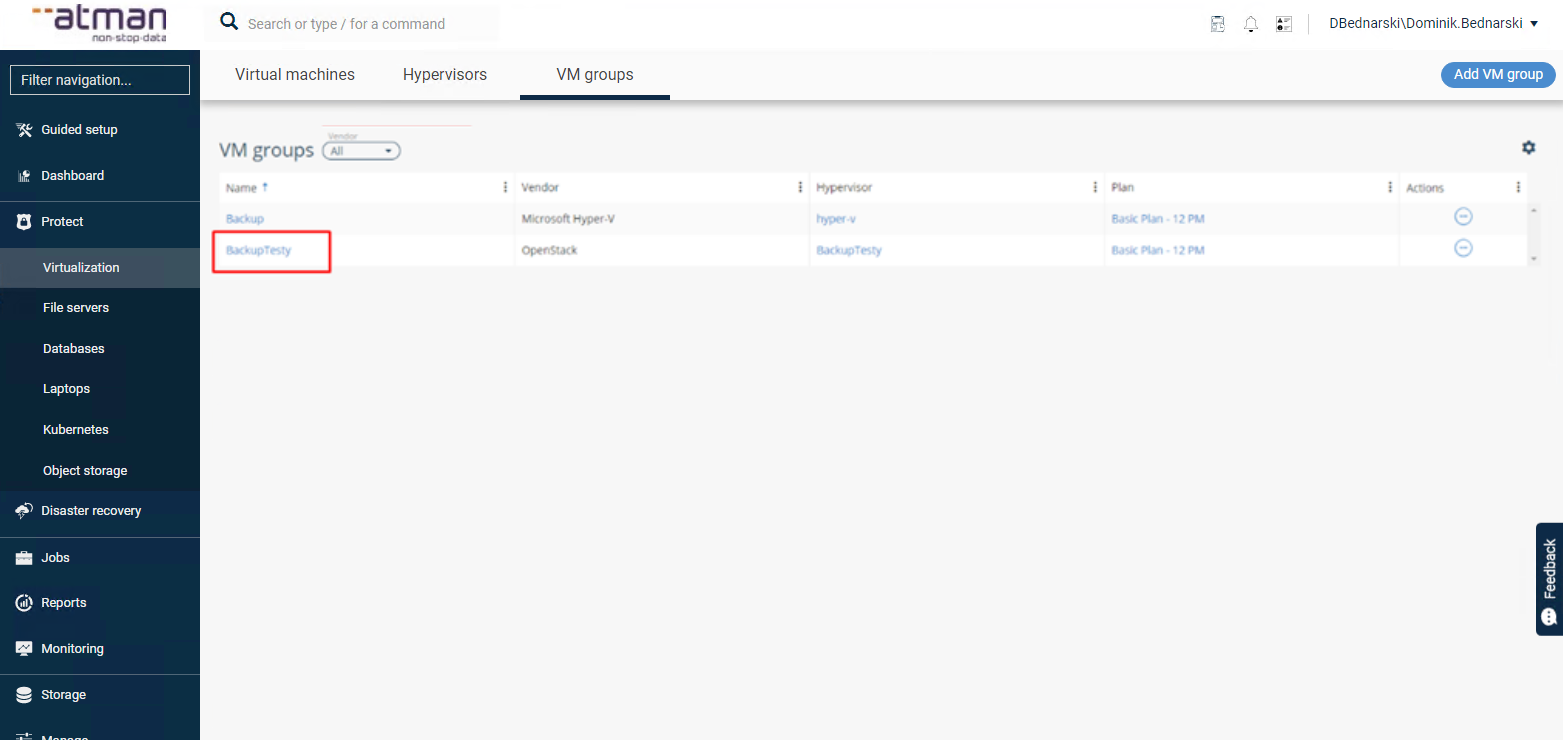
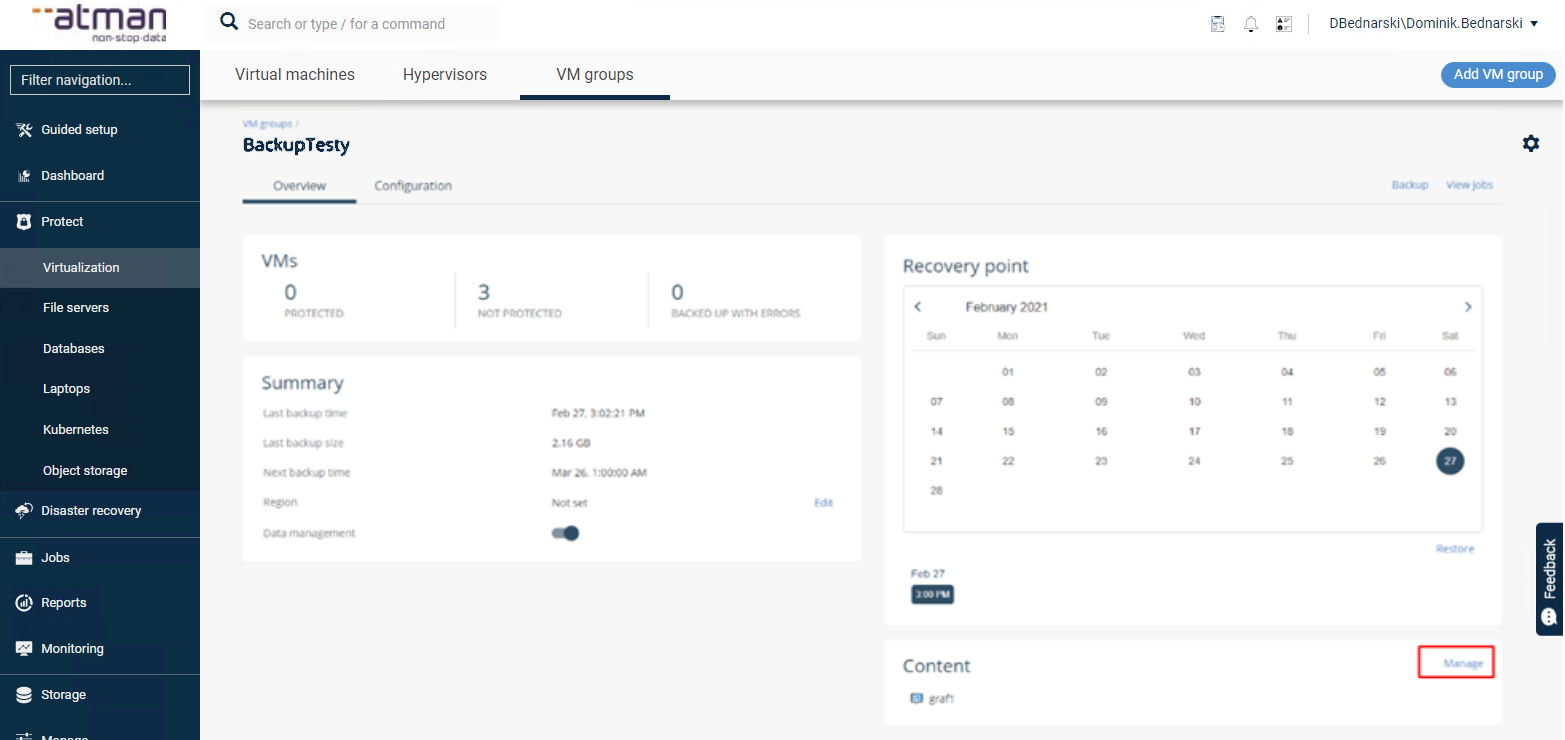
We select the group we are interested in and from the Content field we remove the machine we no longer want to protect.
There must be at least one virtual machine in the group. If there is only one machine in the group, skip the step of removing the machine from the group.
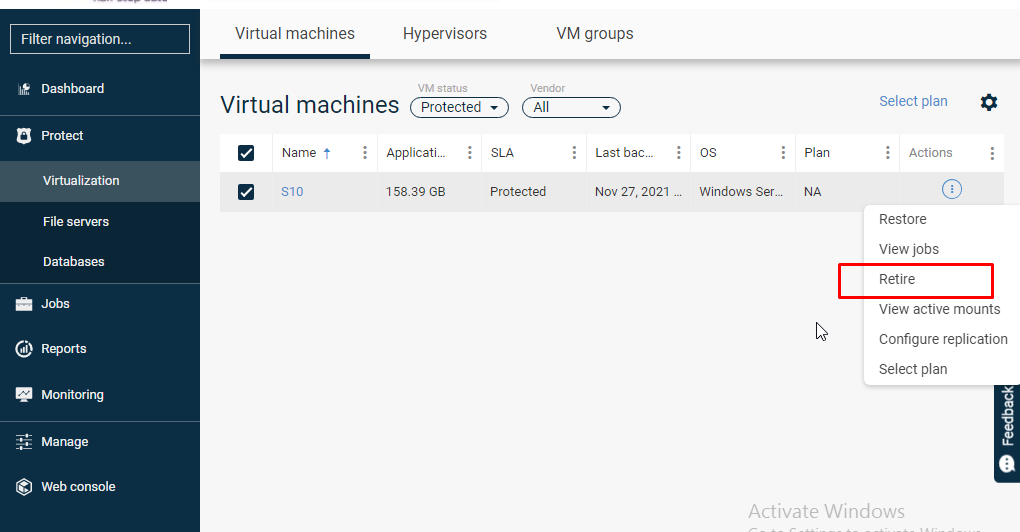
If the machine has been correctly removed from the group VM, go to the Protect -> Virtualization tab and find the machine under Virtual machines that you want to remove.
In the machine menu, select Retire, which will release the licence for the machine:
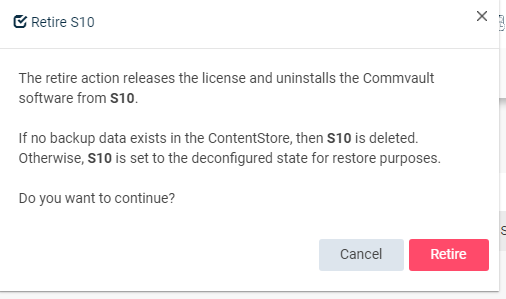
The system will additionally ask you to confirm the action: