Administrator password for the instance
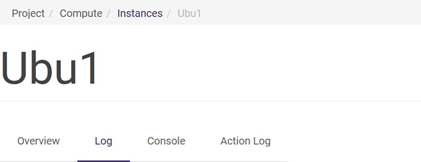
The root/administrator password is generated automatically when the machine is created (see also chapter Internal networks -> practical notes). This password can be read from the logs. In the list of instances, click on the instance name and, when a new screen appears, click on the Log tab:
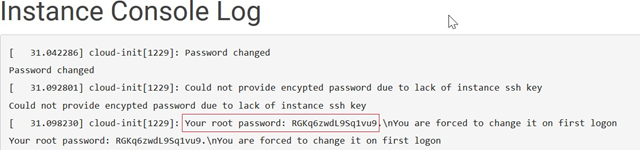
The logs include the root password:
This password can be used for the first login as root - this can be done from within the panel. After clicking on the instance name, go to the Console tab:
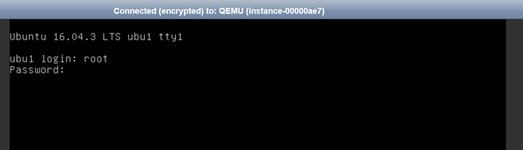
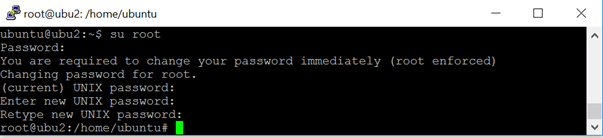
When logging in for the first time, you have to go through the standard procedure of changing the password by first entering the current password (from the logs) and then the new password twice. Entering the password character by character is very inconvenient - copy-paste will not work in the Horizon panel’s built-in console. Another, very convenient approach is based on remote login from a console that supports copy-paste. This can be a terminal on the local machine or a putty tool in the case of Windows users. After remotely logging in via ssh (beforehand, it is best to have a user created - e.g. the way described in NOTE 4 of this chapter’s practical notes), execute the switch user (su) command - the user will enter the standard password change procedure during which you can already use copy-paste (here: ctrl+c by default = copy, then right-click in the Putty console):