Merging SSO accounts
From 10 August 2026, you will be able to log in to Atman Cloud and other Atman applications (Customer Zone, Eco Panel) using a single account and a single login (SSO) to access all your services.
Below is a brief guide to the process for enabling this feature, namely the merging of multiple logins.
In addition, the website https://atman.pl/strefa-klienta/ will feature further resources on the features of the Customer Zone.
STEP 1
Linking your accounts to Atman’s services is a one-off, very straightforward process that takes just a few minutes.
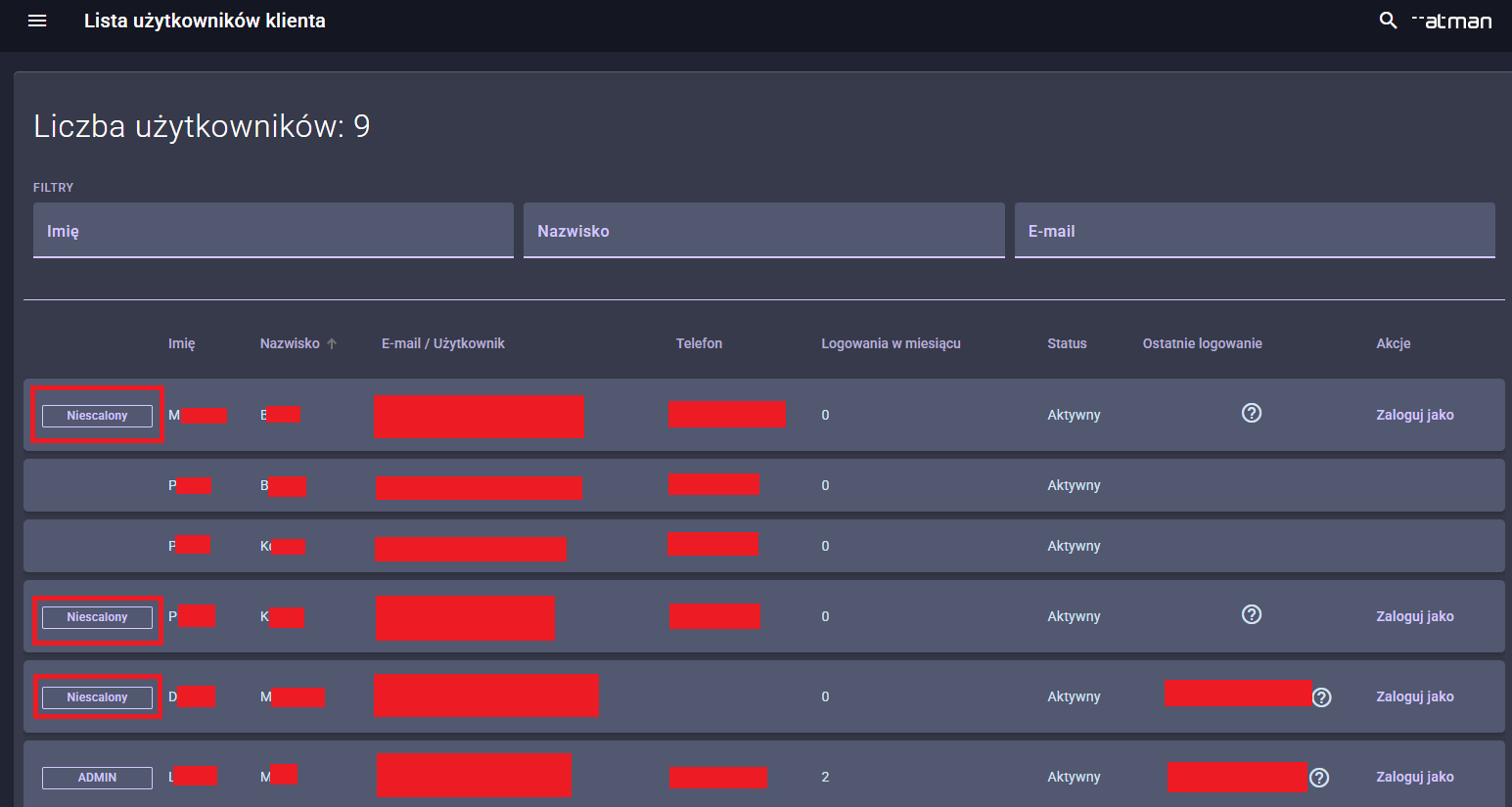
Accounts that need to be merged are marked in the Customer Area with the “Not merged” icon
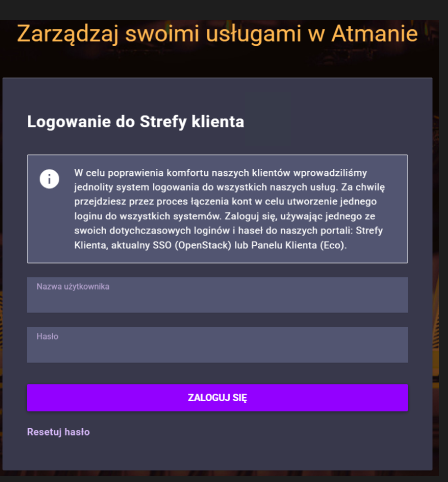
You must log in to the Customer Area using one of your usernames and passwords.
If you have forgotten your password, you can reset it using the “Reset password” button.
STEP 2
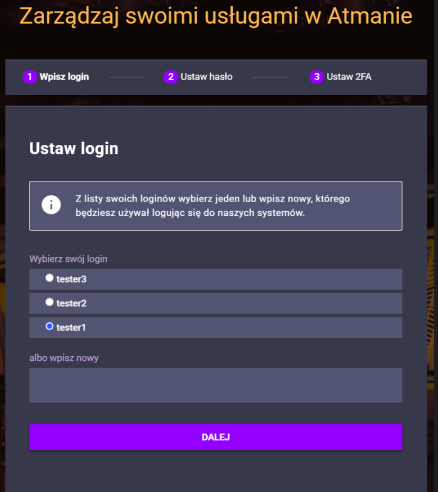
Select one of your usernames from the list (these will be displayed if a single user has created several).
You can also create a completely new username (it must comply with Atman’s policy).
STEP 3
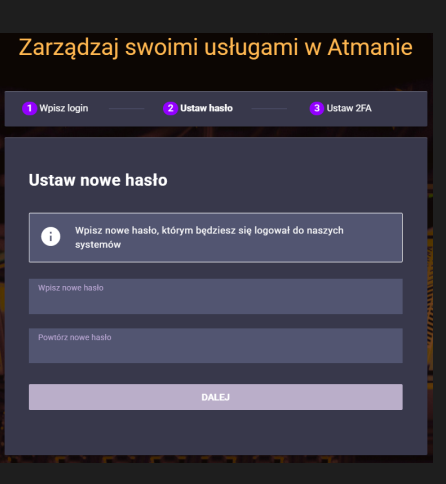
Enter a new password to be used when logging in to our systems.
You can use your current password or create a new one (the password must comply with Atman’s policy).
STEP 4
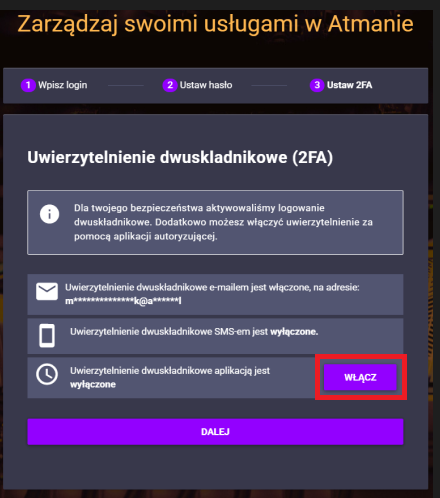
Two-factor authentication via email and SMS will be enabled.
These channels will be active if a valid email address and telephone number have been entered on your profile.
Jeżeli chcesz włączyć logowanie za pomoca aplikacji uwierzytelniającej Google Authenticator kliknij opcje “Włącz”.
STEP 5
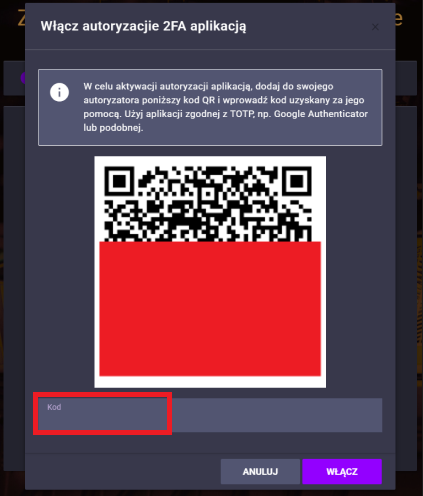
To set up two-factor authentication using the Google Authenticator app, use the QR code generated by the app and enter the one-time code it generates into the field provided.
STEP 6
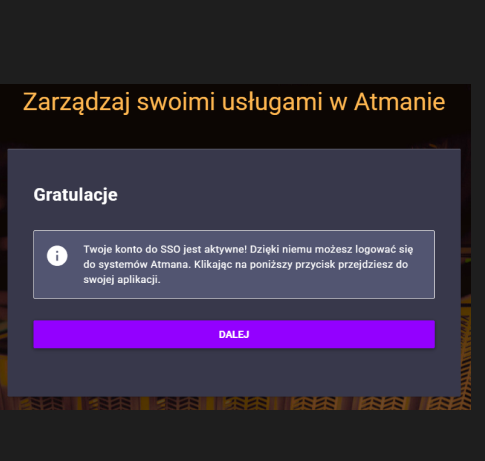
The account linking process is now complete and, once you click the “Next” button, you will be redirected to the target application.